
Meta Shopify setup: connect the app, then make the ads worth running
A Meta Shopify setup has three parts: the official Facebook & Instagram app that connects your catalogue and pixel, a Meta account structured so tests tell you something, and ads written from what your customers say. Tilly does the third, and reviews the second.
Free · nothing to connect · the first pass takes about a minute
- credits for a Meta batch of 4 image ads and 2 video briefs
- 10credits for a Meta batch of 4 image ads and 2 video briefs
- credits for each ad image made
- 5credits for each ad image made
- for your first store audit, with nothing to connect
- $0for your first store audit, with nothing to connect
- free credits when you sign up (a card is saved, not charged)
- 100free credits when you sign up (a card is saved, not charged)
The connection is the part people search for and the part that takes least time. What decides whether Meta ads pay is everything after it: which customer each ad speaks to, which format it uses, and whether you can tell afterwards which one sold. That is where most of this page goes.
The Shopify Meta app: what it connects
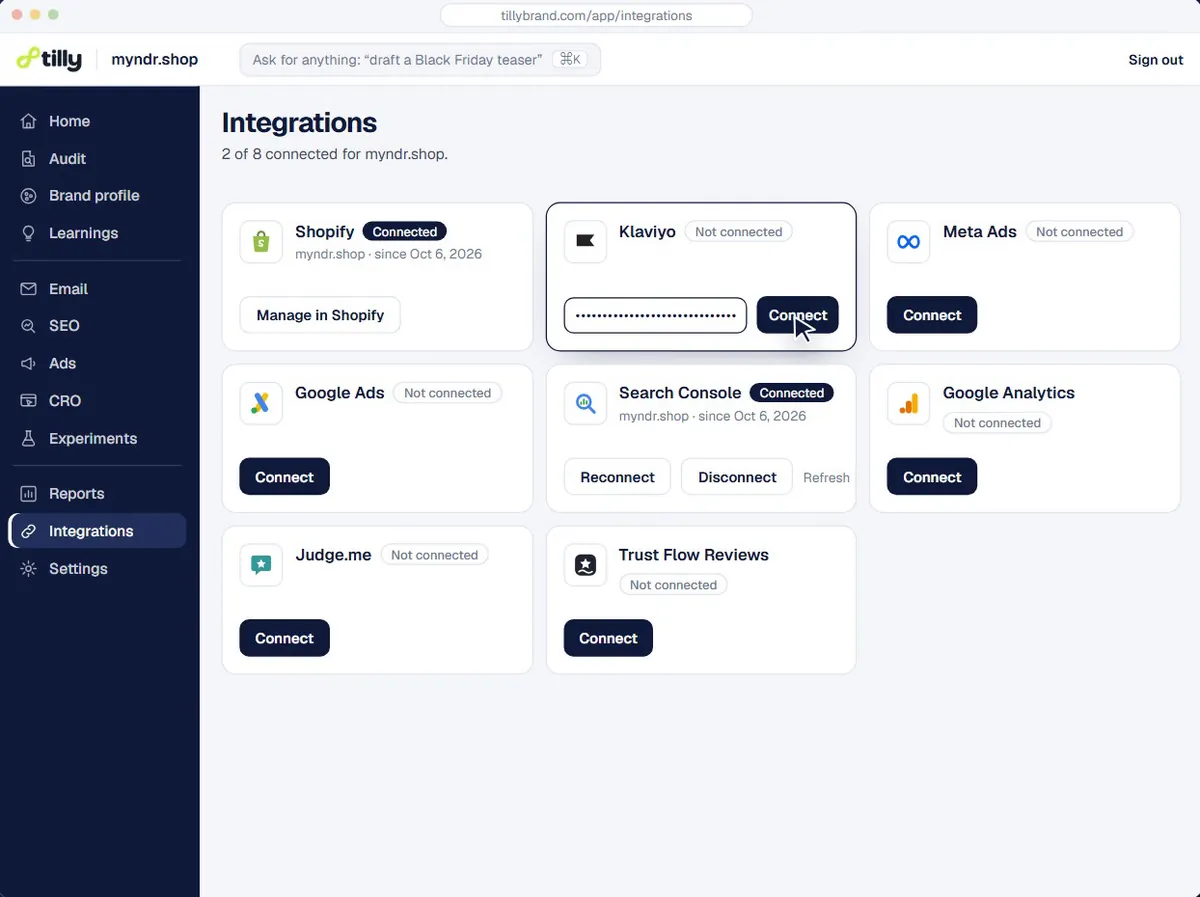
The Facebook & Instagram app on the Shopify App Store is the official app from Meta. It syncs your eligible products to your Facebook and Instagram shop and helps set up the conversion pixel, which is what lets Meta see a purchase after an ad click. source, checked 9 October 2026
It is free to install. When you run a campaign, its listing says you set the budget and the ad spend is billed directly to your Facebook ad account. source, checked 9 October 2026
- Products synced to your Facebook and Instagram shop
- The conversion pixel set up
- Spend billed by Meta, at your budget
Ads written from your reviews, one format each
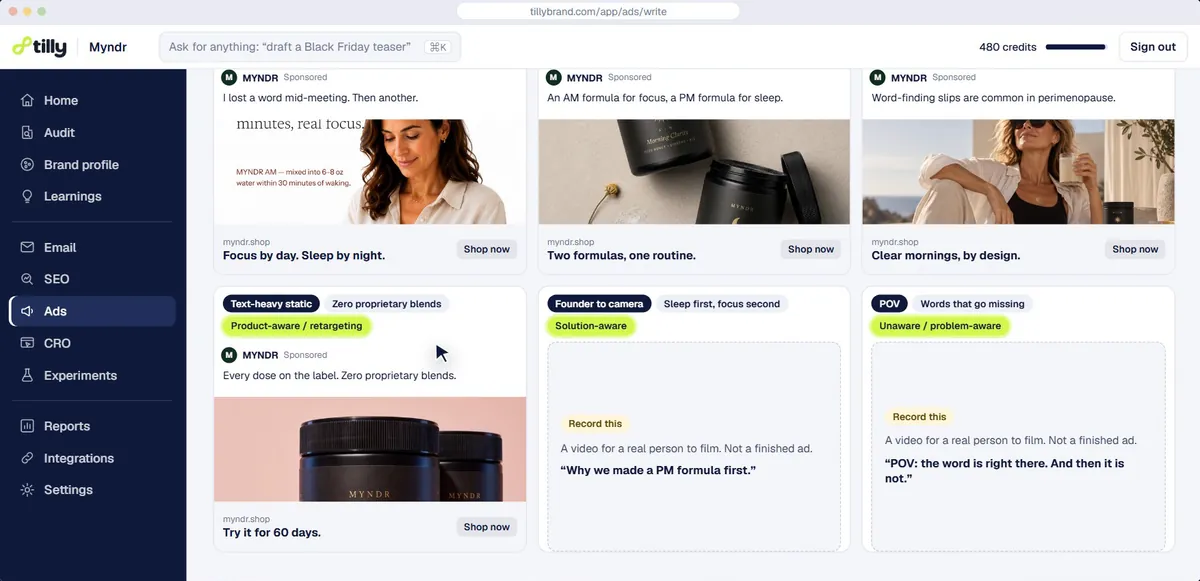
Tilly writes Meta ads in batches of 4 image ads and 2 video briefs, each in a different format, so a batch is a test rather than six versions of one idea. A format only goes in when your store's data can back it: a review ad needs real reviews, a price comparison needs prices you have sourced.
Each ad is aimed at one persona and one pain point from your audit, uses quotes from your review app where they exist, and is checked against Meta's ad rules, including the personal attributes policy, before you see it.
- 4 image ads and 2 video briefs, each a different format
- Review quotes from your own review app
- Checked against Meta's ad rules before you see it
Published paused, in your own Meta account
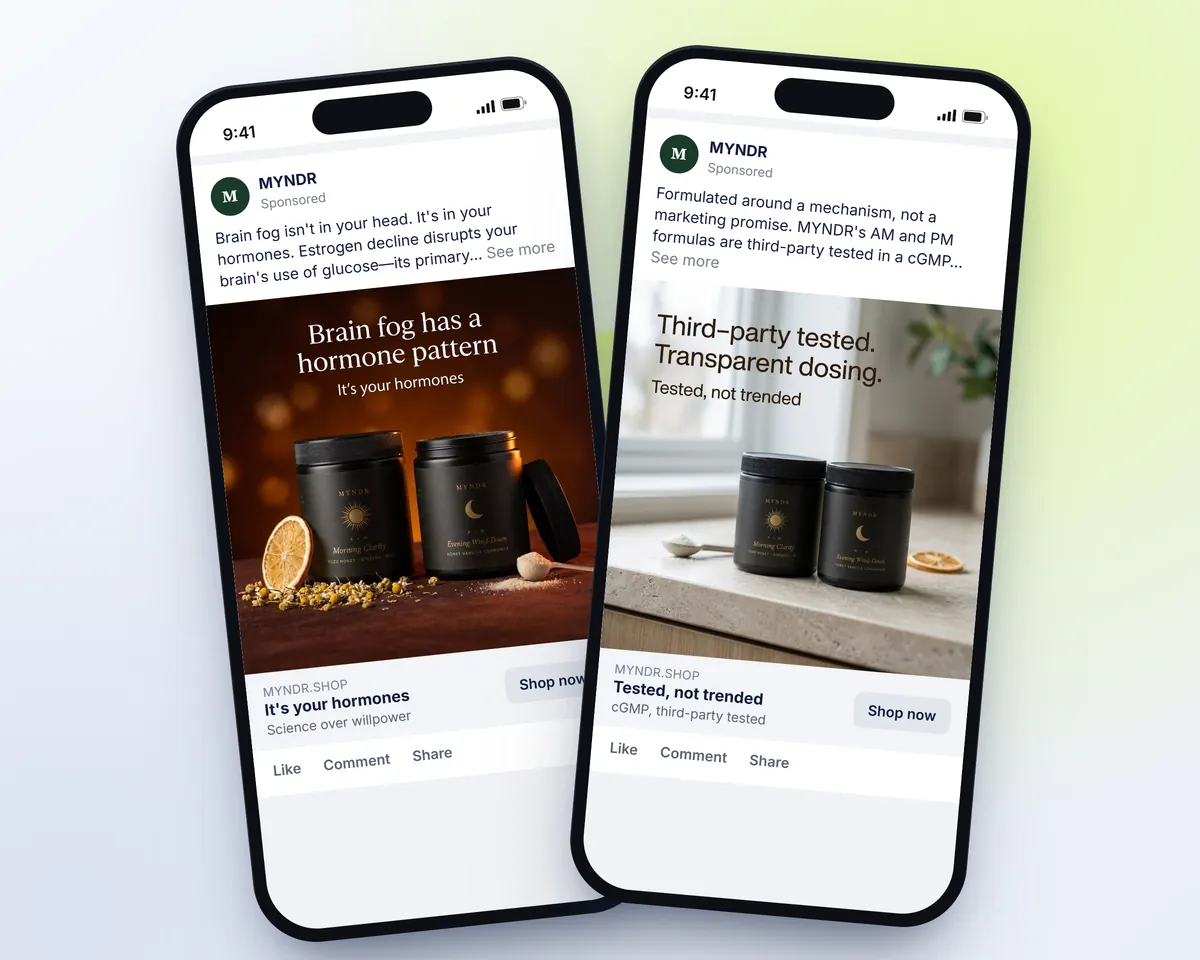
Ads Tilly publishes go into your Meta account paused. Spend starts only when you switch an ad on, or confirm a suggestion that does, and the budget is set and billed in your account. A batch costs 10 credits, plus 5 for each image made.
Video briefs are never published. They are scripts for you or a creator to shoot, written from the same angle as the image ads, so a winning angle can move into video without starting over.
- Every ad published paused
- Budget set and billed in your own account
- Video briefs for you to shoot, never published
Reading the account, not just the ads
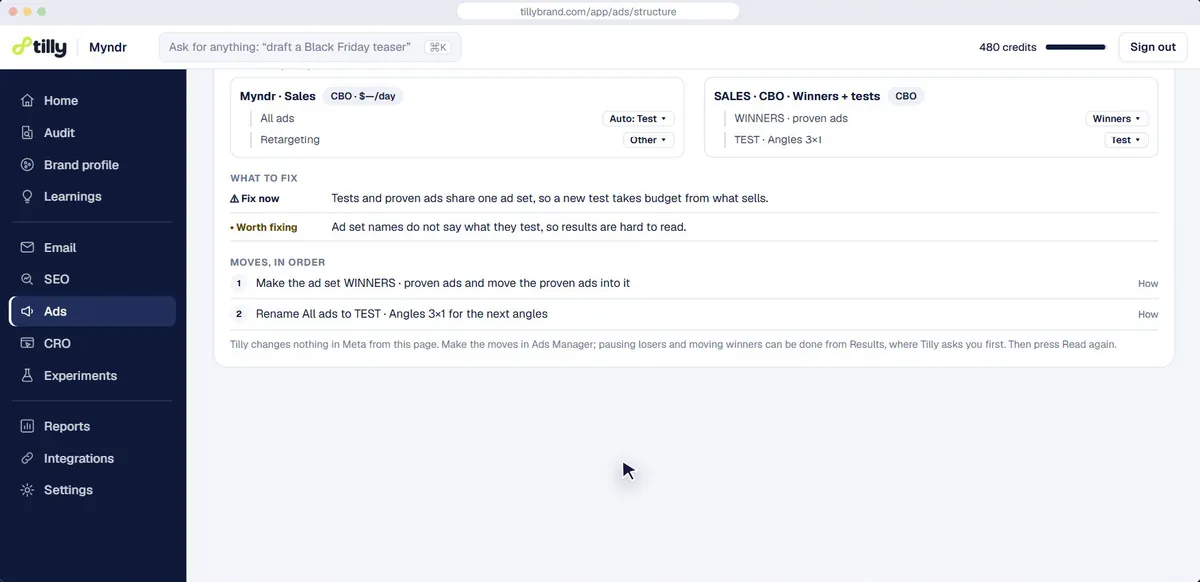
Once ads are running, the account review reads 30 days of your whole Meta account and suggests what to pause, keep or move budget to. Each suggestion waits for you to confirm it, and the review costs no credits.
What wins shapes the next batch: the angle and the persona behind a winning ad go into the brief for the next round. A Shopify by Meta setup gives you the pipe; this is what you send through it.
- 30 days of the whole account read
- Every suggestion waits for your confirmation
- Winners feed the next batch
See what your store is missing
Paste your store URL. Tilly reads the storefront, your reviews and your marketing, and comes back with a store score, your customer personas and a 30-day plan.
Free · nothing to connect · the first pass takes about a minute
Shopify stores marketing with Tilly

- Creo Fleur Atelier


- Whimsical What's It Press
Questions people ask
Is the Shopify Meta app free?
Yes, it is free to install. The ad spend is billed by Meta to your Facebook ad account, at the budget you set. source, checked 9 October 2026
How is the Facebook & Instagram app rated?
On the day this page was checked, its listing showed a rating of 3.8 out of 5. Read the recent reviews before you install, because they show what goes wrong for stores like yours. source, checked 9 October 2026
Is a Shopify by Meta connection needed before Tilly can publish ads?
Tilly connects to your Meta ad account itself to publish paused ads. The Facebook & Instagram app is still worth installing for the product sync and the pixel, because ads cannot be measured on purchases without it.
Does Tilly make the videos?
No. Tilly writes video briefs and scripts; you or a creator shoot them. Only image ads are published by Tilly.
Will Tilly change my budgets?
Only if you confirm a suggestion that does. Everything else about budgets and bids stays in your Meta account and in your hands.
Sources
- Facebook & Instagram: Shopify App Store listing, checked 9 October 2026
Written by Tilly. Tilly is one of the apps on this page, so read it knowing that. Report an error.
Start with a free audit of your store
Paste your store URL. The first pass takes about a minute and needs no account. Save a card (nothing is charged) and Tilly reads the whole store and works out who buys from you.
Signing up starts with the audit: your account is made at the end of it, and nothing is charged.