
A blog for Shopify that brings in customers, not just words
Shopify gives every store a blog for Shopify built in, and most of them sit empty. Tilly reads your store, finds the questions your customers type into Google, and writes posts that answer them and link to what you sell.
Free · nothing to connect · the first pass takes about a minute
- credits for a sourced blog post, plus pictures if you want them
- 15credits for a sourced blog post, plus pictures if you want them
- credits for keyword research on your store
- 5credits for keyword research on your store
- credits for an SEO site audit
- 0credits for an SEO site audit
- free credits when you sign up (a card is saved, not charged)
- 100free credits when you sign up (a card is saved, not charged)
If you blog with Shopify, the posts live on your own domain, next to your products, so every reader who arrives from search is one click from a product page. That is the whole case for a shopify store blog: it is the cheapest way to be found for the questions people ask before they buy. The hard part is knowing what to write, writing it well every week, and doing the search work on each post. That is the part Tilly takes off you.
How the Shopify blog feature works
The blog sits under Online Store in your Shopify admin. Each blog post Shopify stores has a title, a body, an excerpt, a featured image, tags, an author and its own search engine listing, where you set the page title and meta description Google shows. The blog page Shopify themes include lists your posts with their excerpts and images.
Nothing about it is hard. What stops most stores is the blank page: which post, for whom, linking to what. A shopify blog page with three posts from two years ago tells a visitor the store is quiet.
- Built into every plan, so there is no blog app to install
- Posts live on your own domain, beside your products
- Each post has its own search title and meta description
What to write: your customers' questions, not a keyword list
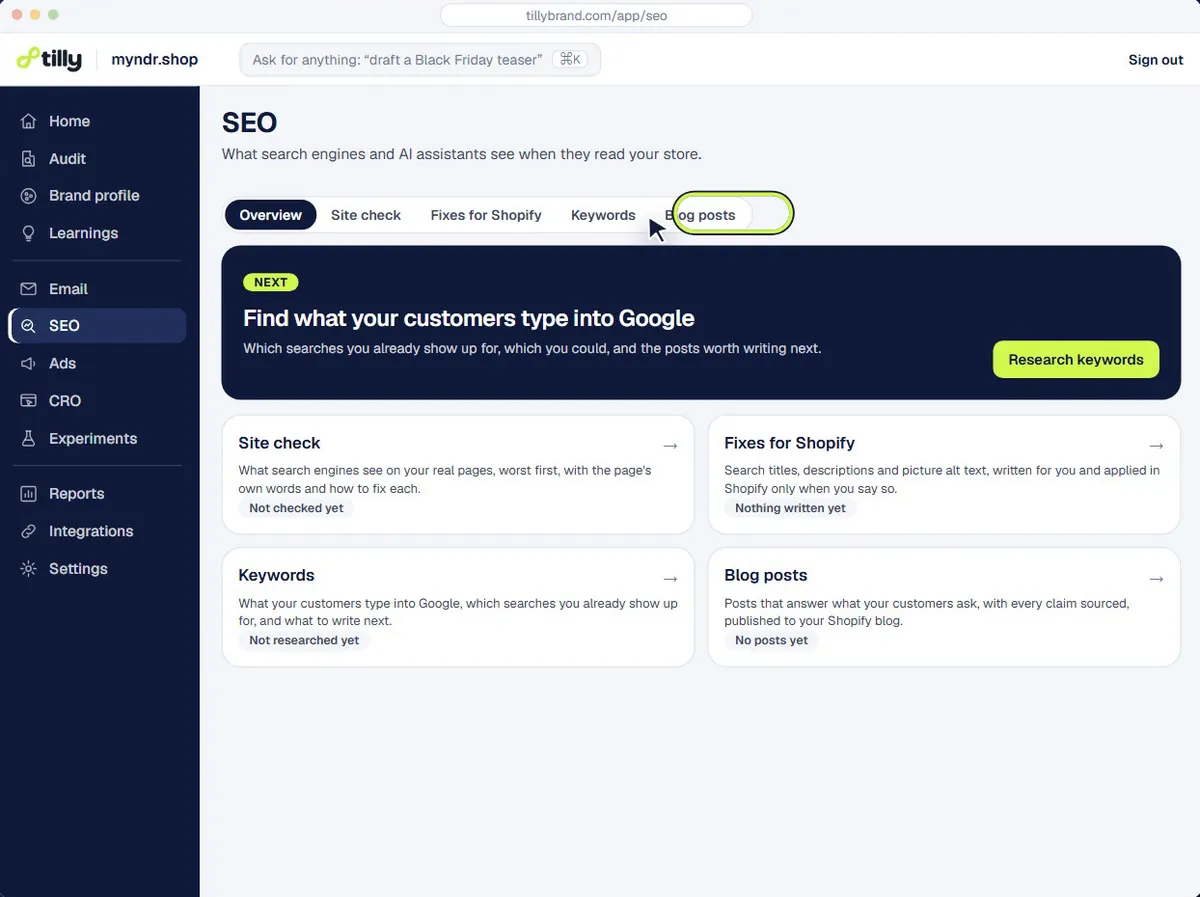
Most keyword tools hand you a list sorted by volume. Tilly groups keywords by the questions your customers actually ask, read from your reviews, your product pages and, once it is connected, your Search Console queries. A cautious first-time buyer and a repeat customer search for different things, so they get different posts that link to different products.
Keyword research on your store costs 5 credits. With Search Console connected, Tilly also finds the pages you almost rank for, which are often the quickest posts to win.
- Keywords grouped by the persona who searches them
- Each post picks the shape the search calls for
- Questions from your own reviews become post ideas
Shopify blog SEO on every post, not just the first one
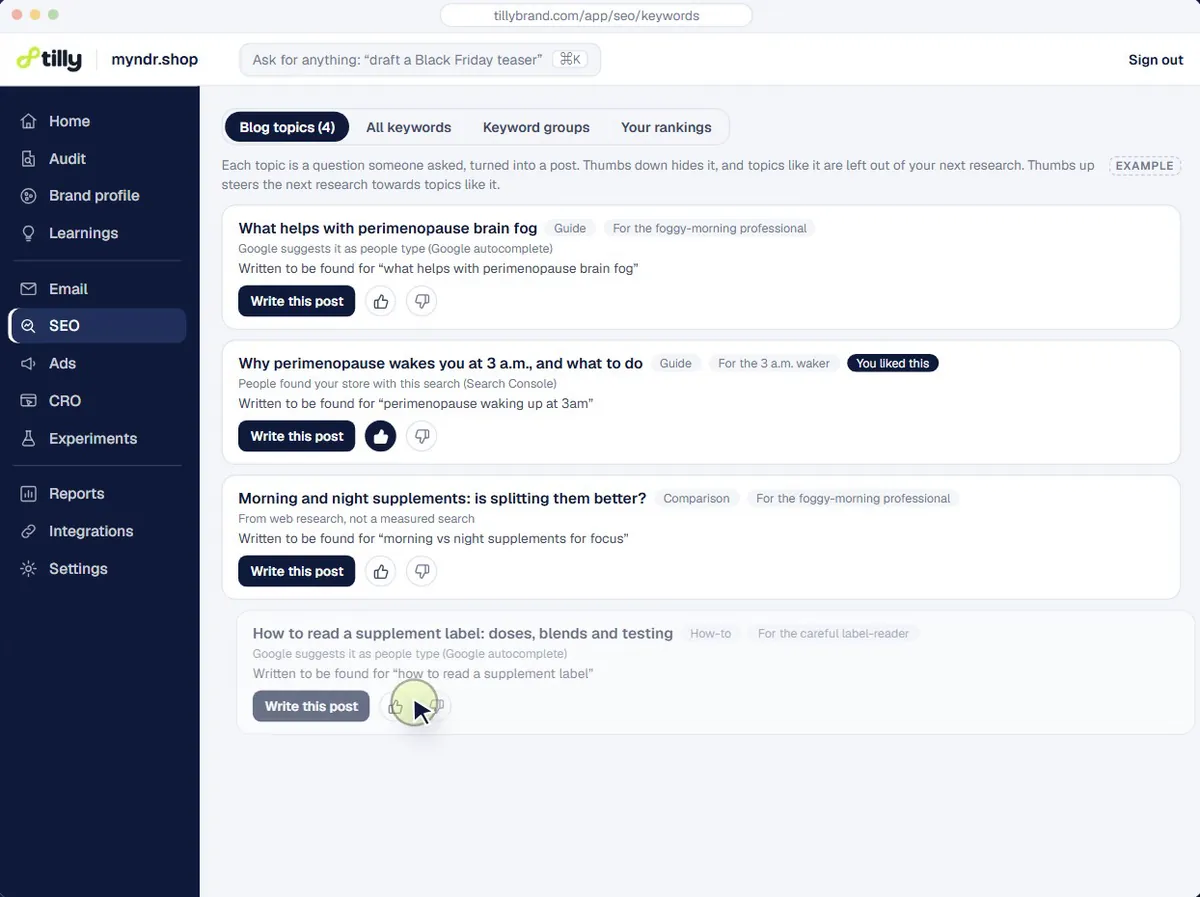
Shopify blog SEO is the same handful of jobs on every post: a search title and meta description written for the query, headings that answer it, links to your own products and collections, and FAQ markup where there are questions. Tilly does all of them before you see the draft, and links each post to 3 to 8 of your own products, collections, posts and pages, each one checked.
Every post scores itself out of 100 on fixed checks you can open, so you can see why a draft is ready rather than taking its word for it. Research is read from the live web and kept only where it has a source; a claim with nothing behind it is left out.
- Search title and meta description written for the target query
- FAQ schema added where the post answers questions
- Links to your own pages, checked before publishing
Publishing a blog post in Shopify without copy and paste
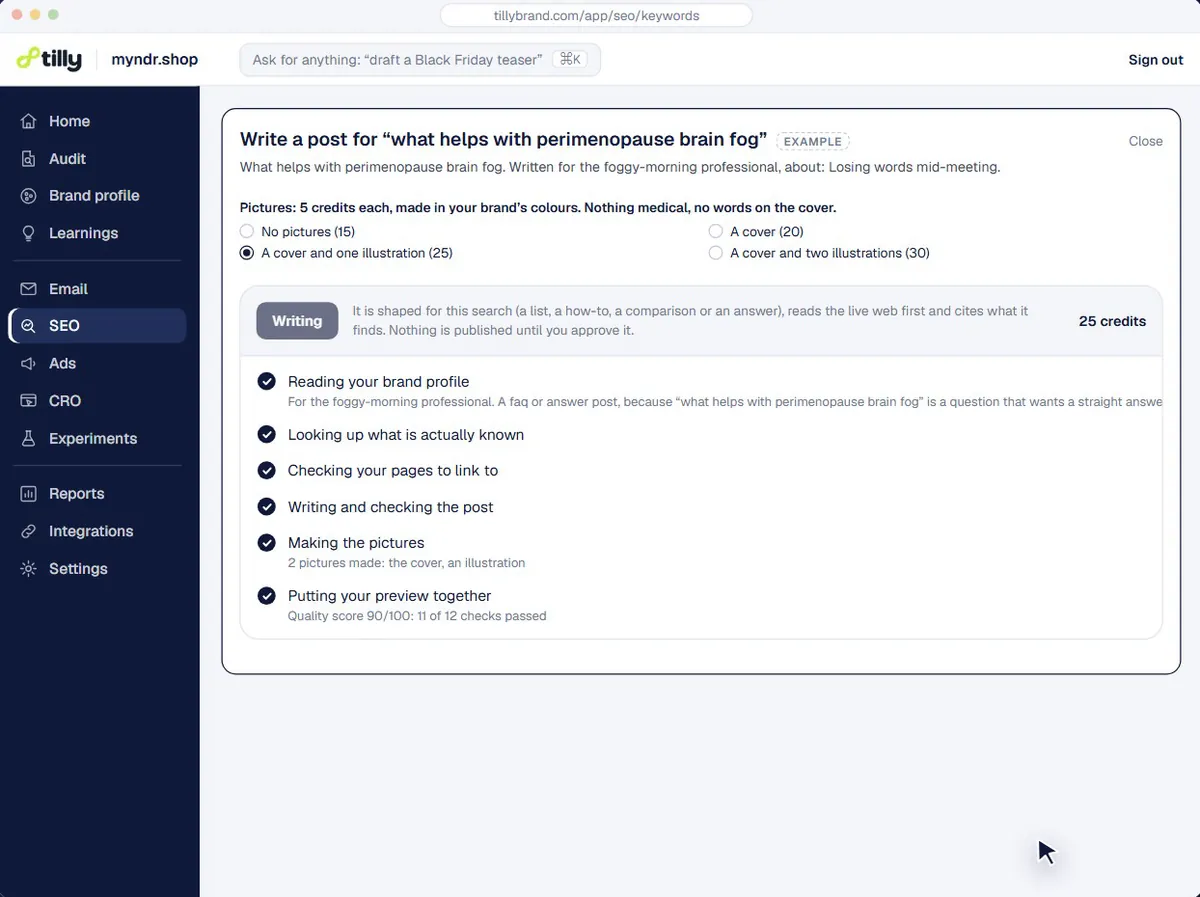
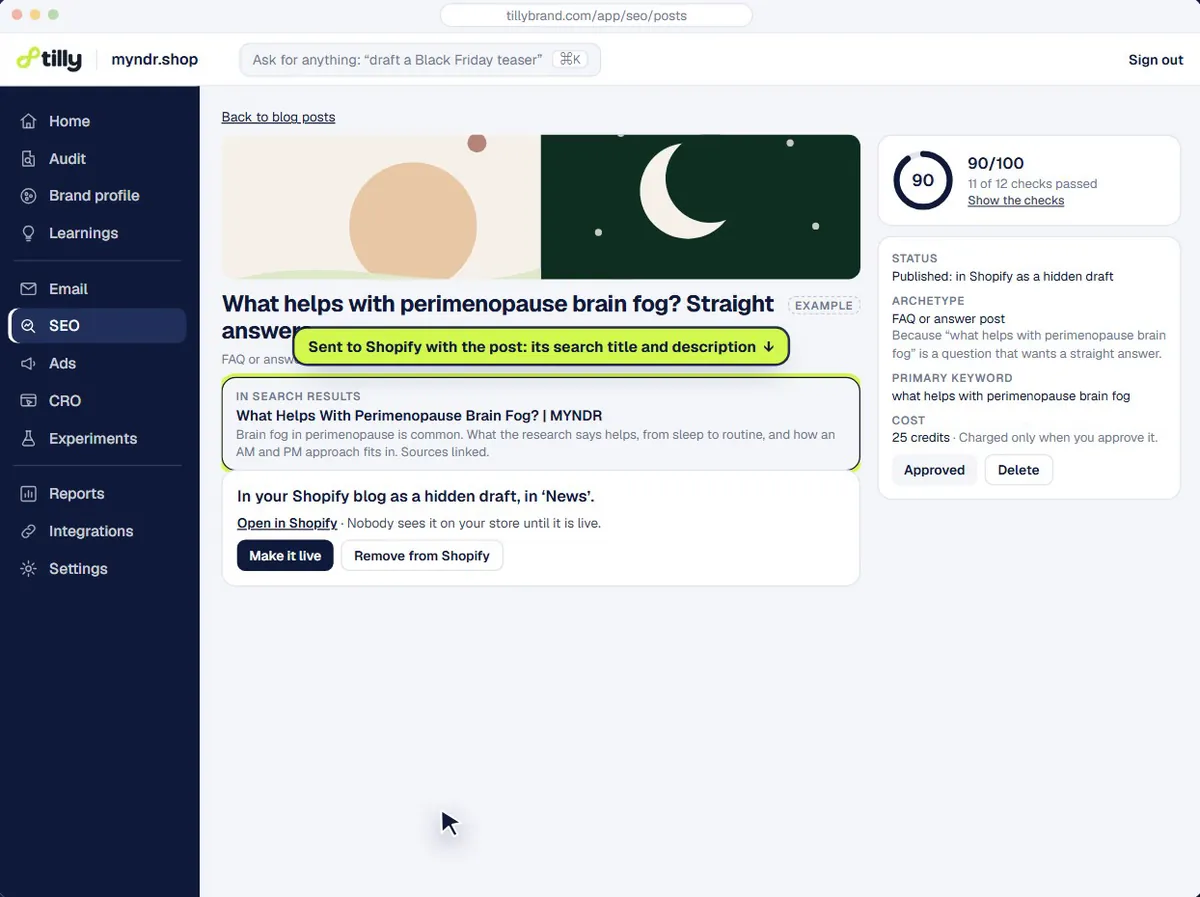
When you approve a post and press Publish, Tilly sends it to your Shopify blog as a hidden draft unless you choose live, with its search title, description and links in place. If you asked for a cover and illustrations, they are made in your brand colours and copied into your store's Files.
A post costs 15 credits, and each picture 5 more. Nothing is published until you press the button, and you can edit the draft in Shopify like any other post.
- Goes to your Shopify blog only when you press Publish
- Hidden draft by default, live if you choose
- Cover and up to two illustrations, optional
See what your store is missing
Paste your store URL. Tilly reads the storefront, your reviews and your marketing, and comes back with a store score, your customer personas and a 30-day plan.
Free · nothing to connect · the first pass takes about a minute
Shopify stores marketing with Tilly

- Creo Fleur Atelier


- Whimsical What's It Press
Questions people ask
Is a Shopify SEO blog worth the time for a small store?
It is worth it when each post answers a question your buyers really ask and links to the product that solves it. A shopify seo blog that chases unrelated traffic brings visitors who never buy. Start with five posts built on the questions in your own reviews and product pages, and measure clicks from search before writing more.
How do I add a blog post on Shopify?
In your Shopify admin, open Online Store, then Blog posts, and create a post. Give it a title, write the body, add an excerpt and a featured image, choose which blog it belongs to, then fill in the search engine listing before you save it. A Shopify blog post can be saved hidden and made visible later. If Tilly wrote it, pressing Publish does these steps for you.
Should my Shopify blog website be separate from my store?
Keep it on the same domain. A separate shopify blog website, or a blog on another platform, splits your links and sends readers off the store. The shopify website blog that comes with your theme already sits beside your products, which is where you want a reader to end up.
What should a store blog write about first?
The questions people ask just before they buy: how to choose between two of your products, how to use one, what it is made of, whether it suits them. Your reviews and your customer emails are full of them. Tilly's store audit lists them by persona.
Are Shopify articles the same as blog posts?
Yes. Shopify calls a blog post an article in its themes and its API, so shopify articles and blog posts are the same thing. A store can have more than one blog, and every article belongs to one of them.
Does shopify blog search matter, or only Google?
Both, for different readers. Google brings new people to a post from its title and description, so write the search engine listing for them. Your store's own search helps people already on the site, so give each post clear tags and a title that says what it answers.
How much does a blog post cost with Tilly?
15 credits for the post, plus 5 credits for each picture if you want a cover or illustrations. The SEO audit that finds what to write is free, and the 100 free credits you get when you sign up cover several posts.
Start with a free audit of your store
Paste your store URL. The first pass takes about a minute and needs no account. Save a card (nothing is charged) and Tilly reads the whole store and works out who buys from you.
Signing up starts with the audit: your account is made at the end of it, and nothing is charged.